
OMEN Gaming Hub

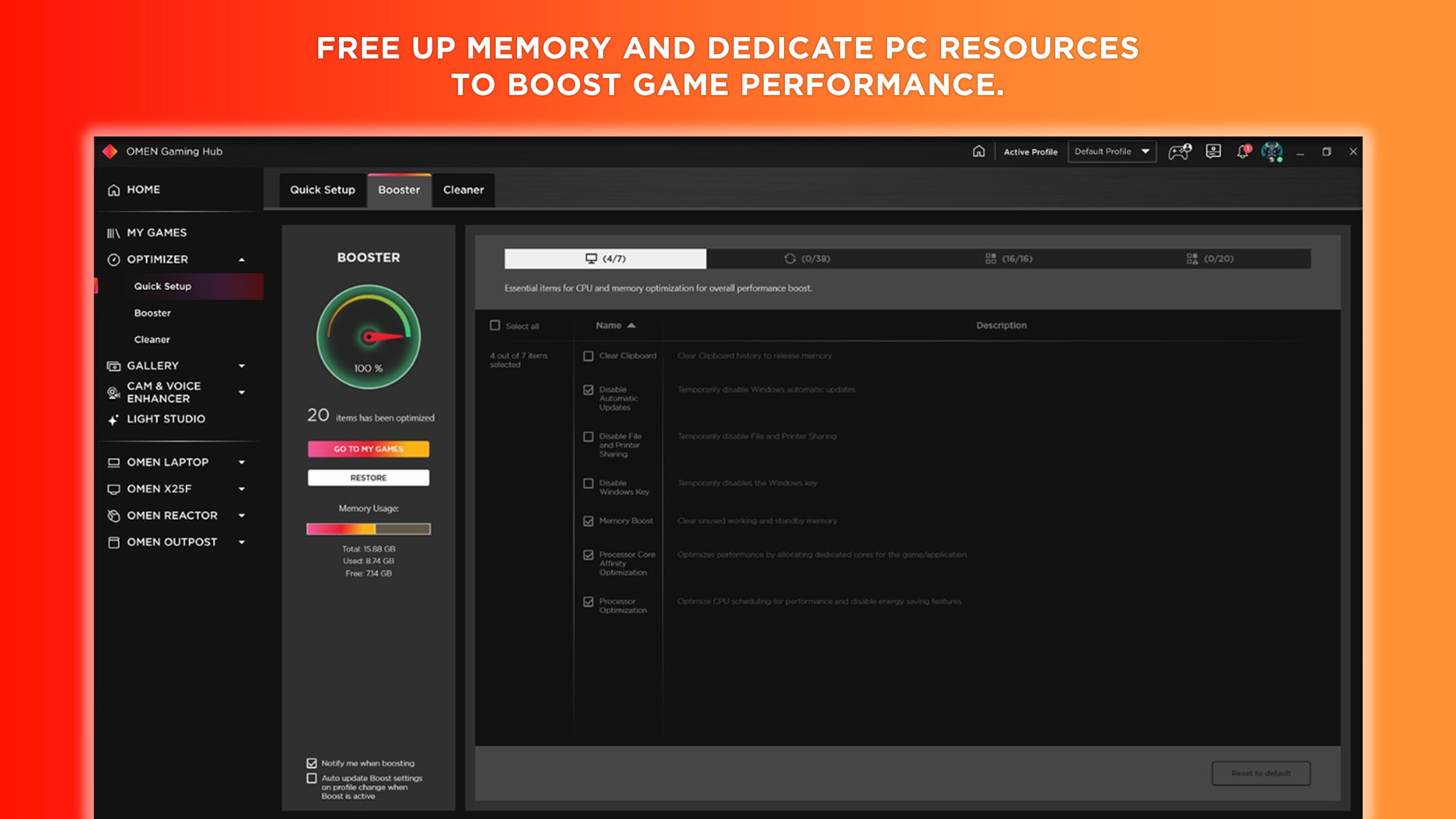

Discover how the OMEN Gaming Hub performance optimizer can elevate your PC gameplay, customize RGB lighting, and maximize frame rates effortlessly.
Unleash Your PC's True Potential
For PC gamers seeking to squeeze every drop of performance out of their hardware, the OMEN Gaming Hub performance optimizer by HP Inc. serves as a comprehensive command center. Designed for the Windows platform, this utility transitions your system from a standard workstation into a finely tuned gaming machine. Whether you are running dedicated OMEN hardware or looking to streamline your general PC setup, this software bridges the gap between raw hardware capabilities and actual in-game performance.
Key Features of the OMEN Gaming Hub
This software brings together a suite of optimization and personalization utilities into a single, cohesive dashboard:
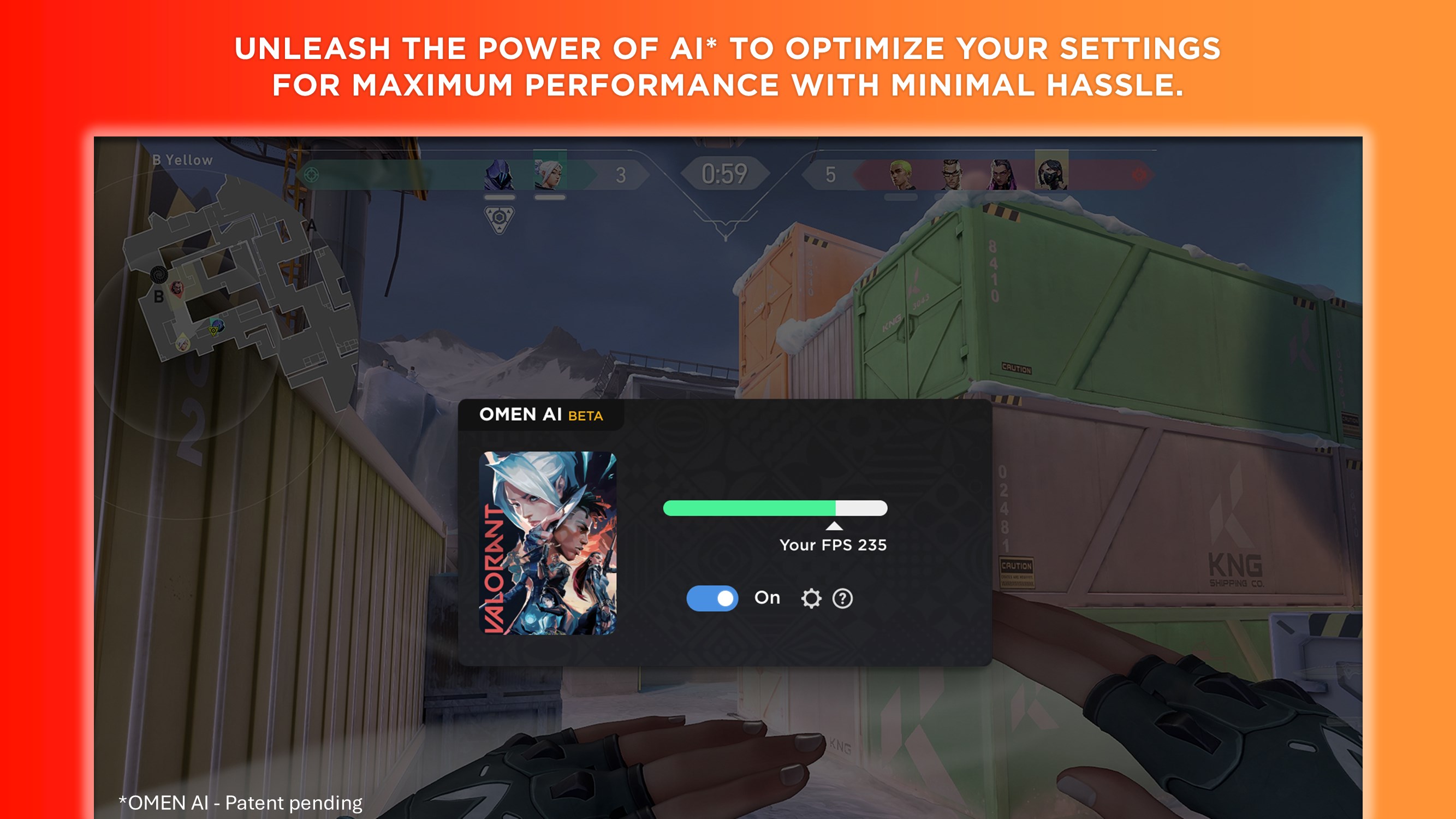
- OMEN AI: Get personalized settings tailored to your specific system hardware and gaming library with a single click, eliminating tedious manual tweaking.
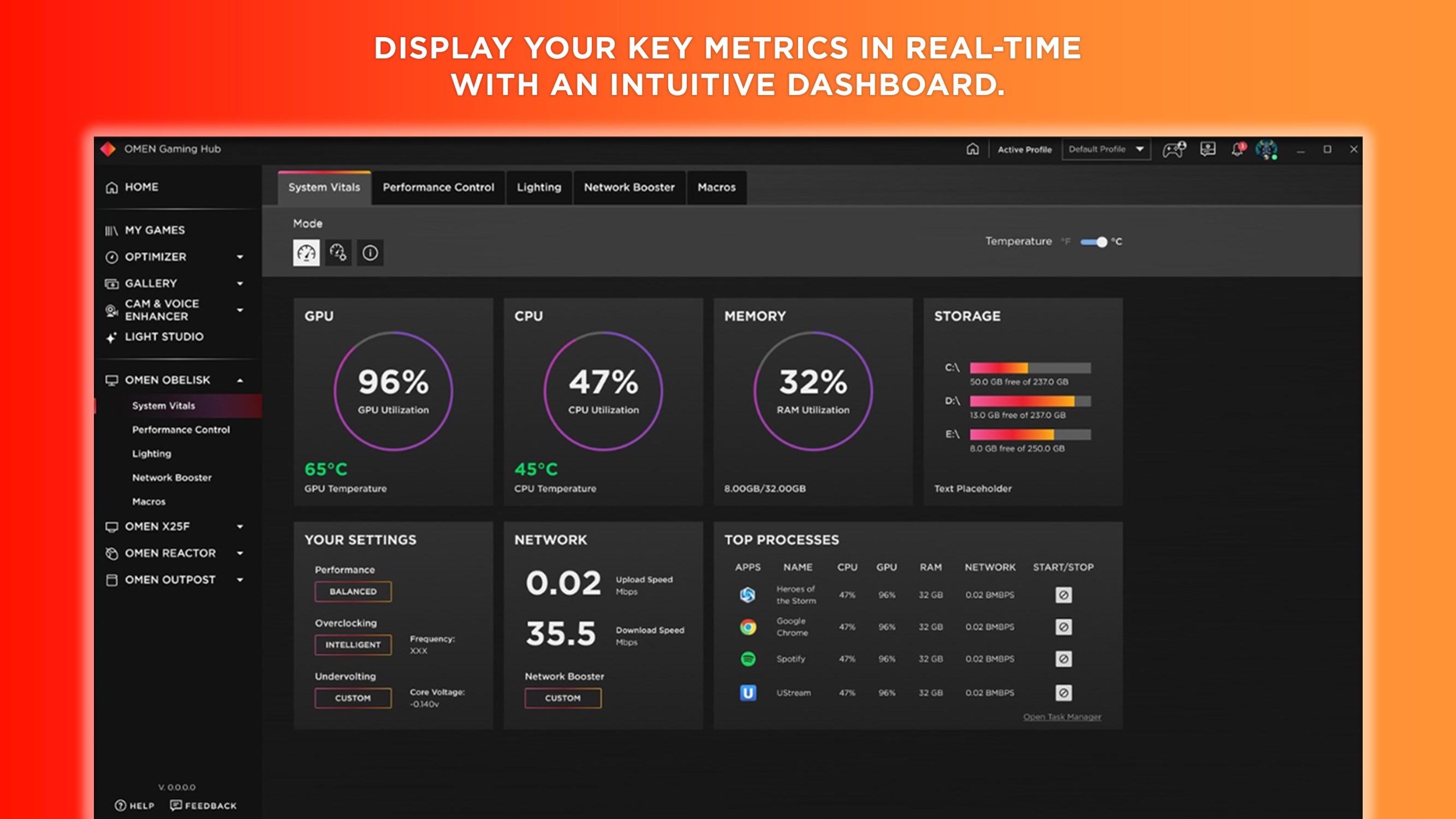
- Real-Time System Vitals: Keep a close eye on your system's health with a live dashboard tracking CPU, GPU, and RAM utilization alongside network performance metrics.
- System Optimizer & Cleaner: Boost your frames per second (FPS) by cleaning up background processes and temporary files for smoother, uninterrupted gameplay.
- Network Booster: Prioritize your game's data packets to ensure the strongest, lowest-latency connection during intense online matches.
- Light Studio: Express your personal style by customizing RGB lighting layouts across your OMEN peripherals and compatible third-party accessories.
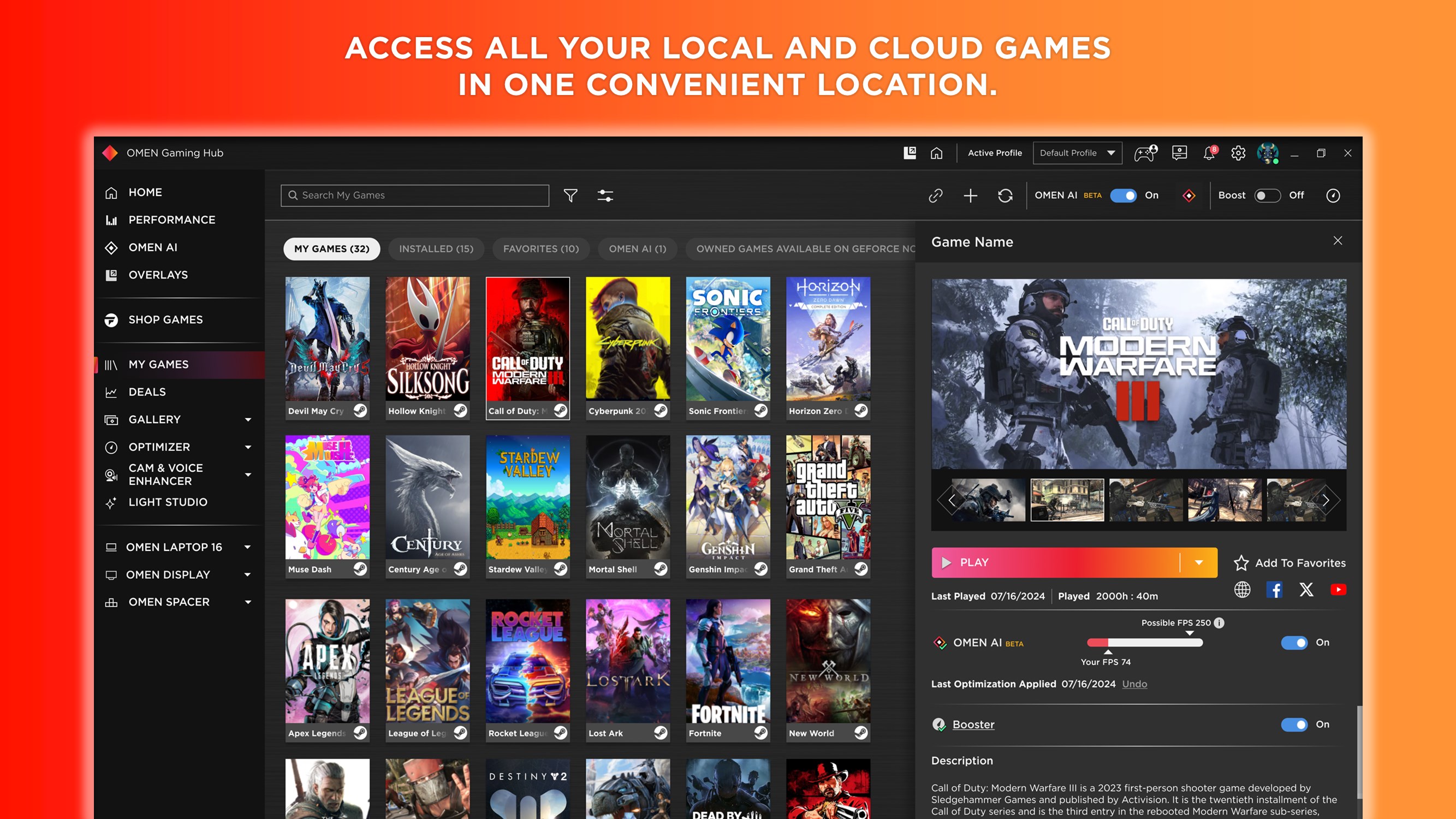
- Universal Game Launcher: Consolidate your local and cloud-based games into a single library to launch your favorite titles faster.
Who Benefits Most from this Software?
The OMEN Gaming Hub performance optimizer is ideal for gamers who want deep control over their system without needing a degree in computer engineering. Casual players will appreciate the simple one-click optimization tools and the integrated deals tracker that highlights free game drops. Meanwhile, enthusiast gamers utilizing supported OMEN platforms can dive deep into advanced performance tuning, adjusting CPU and GPU clock speeds, memory transfer rates, and thermal profiles to achieve maximum frames.
Elevate Your Gaming Setup Today
With its robust suite of monitoring, tuning, and aesthetic customization features, this tool is an excellent addition to any Windows gamer's arsenal. If you are ready to streamline your library, maximize your FPS, and personalize your desktop environment, you can check out the official Windows app store to download the utility directly from HP Inc.