Scrble Lite
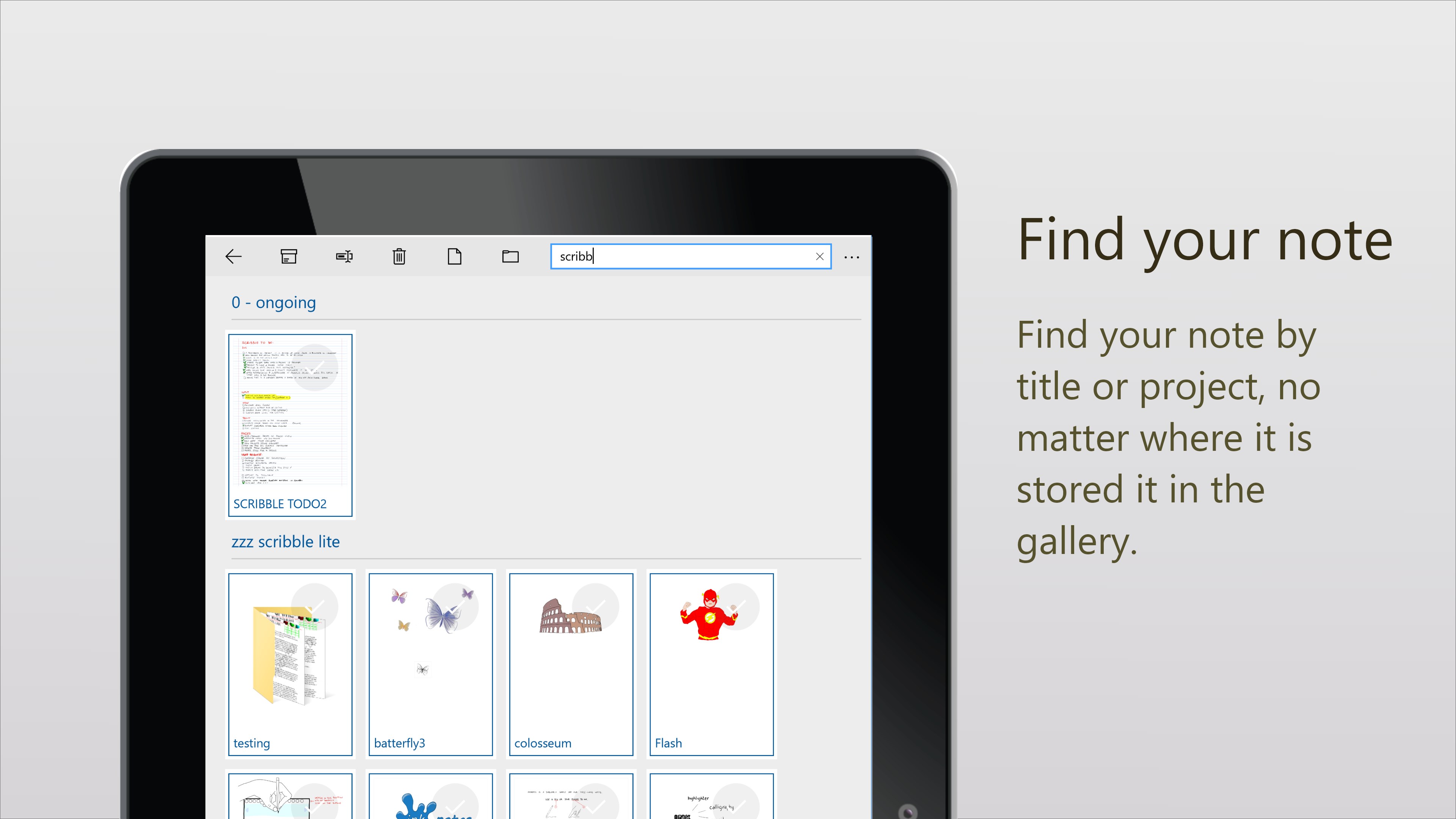
Read our comprehensive review of Scrble Lite, a premium freehand note-taking app designed to transform your Windows tablet into an infinite digital canvas.
The Challenge of Digital Note-Taking on Windows Tablets
For many professionals and students, transitioning from traditional pen and paper to a digital screen can feel rigid and unnatural. Standard typing apps lack the creative freedom of freehand sketching, while many drawing tools are too complex for quick brainstorming sessions. Scrble Lite freehand writing app solves this everyday frustration by turning your Windows tablet into an intuitive, highly responsive digital notepad that mimics the natural flow of physical ink.
Core Features of Scrble Lite freehand writing app
Designed with simplicity and user comfort in mind, this application offers several standout features that elevate the digital inking experience:
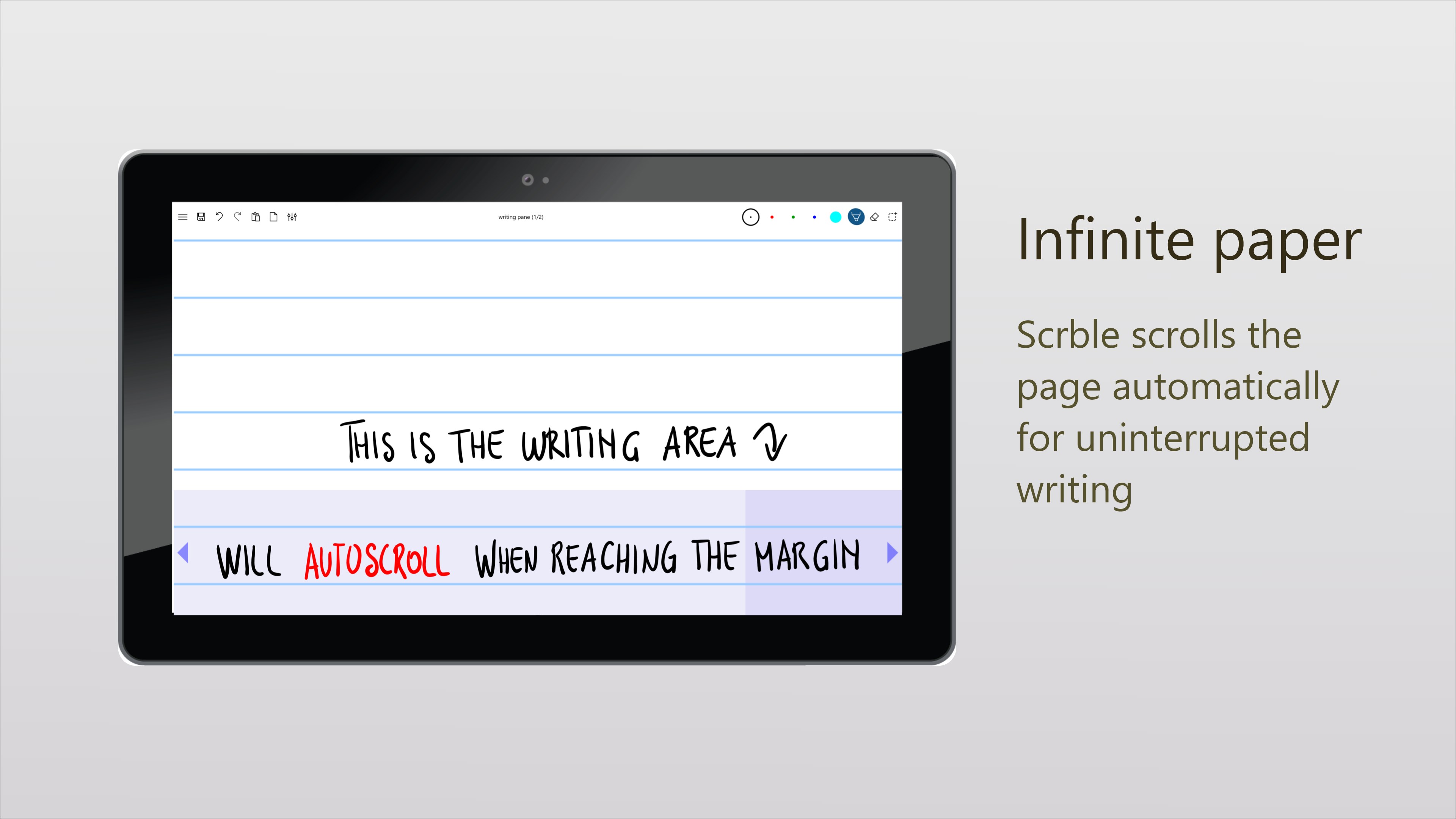
- Infinite Canvas: Never worry about running out of space. The app automatically appends virtually infinite paper as you reach the margins of your current page.
- Smart Auto-Scroll: The dedicated writing panel automatically scrolls as you write, ensuring your creative flow remains uninterrupted.
- Multi-Touch Gestures: Use a dedicated stylus or your finger to write, and seamlessly pinch or drag with two fingers to adjust your selection.
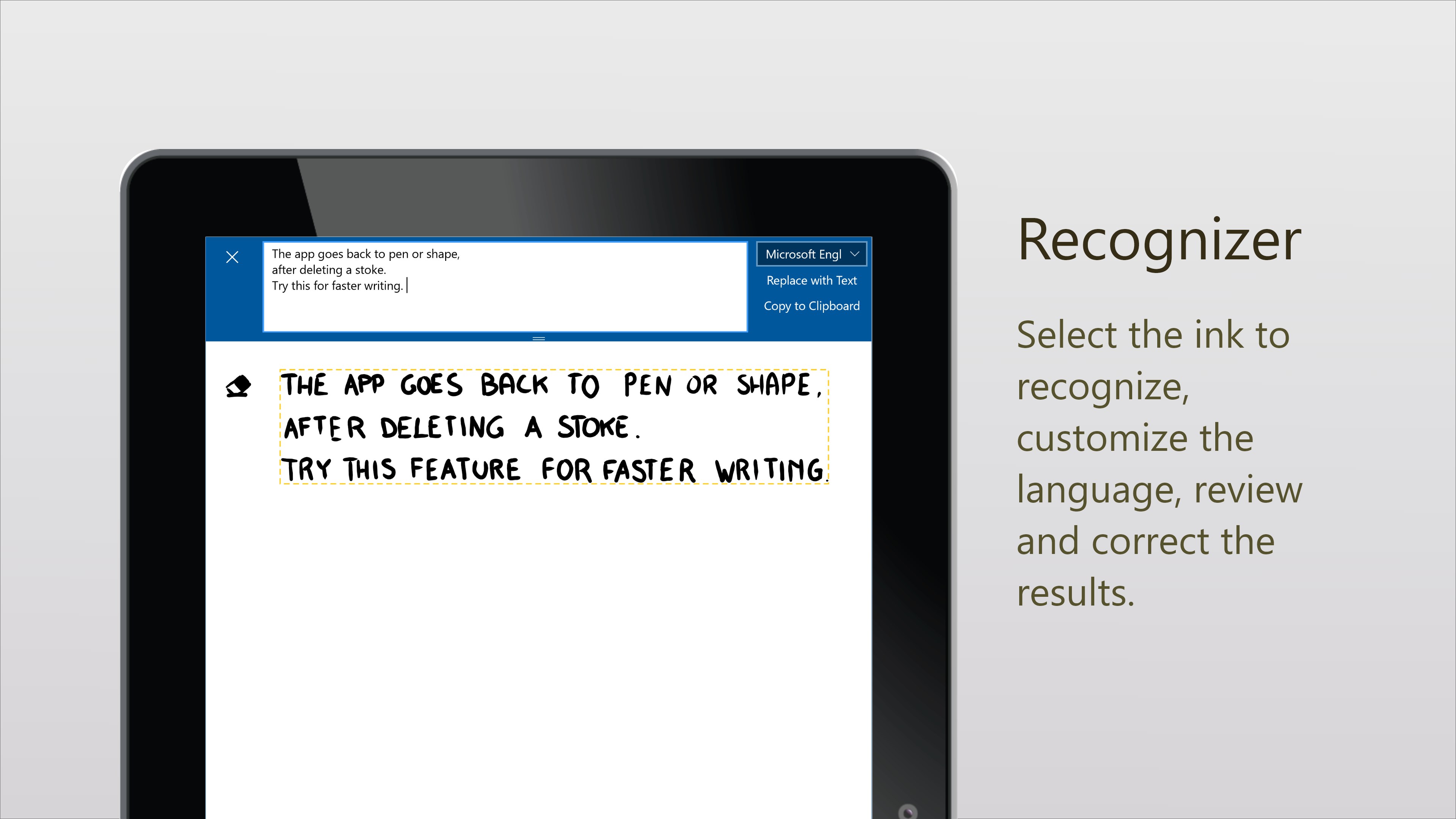
- Handwriting Recognition: Convert your handwritten scribbles into clean text in your native language, complete with an editing pane to copy text directly to your clipboard.
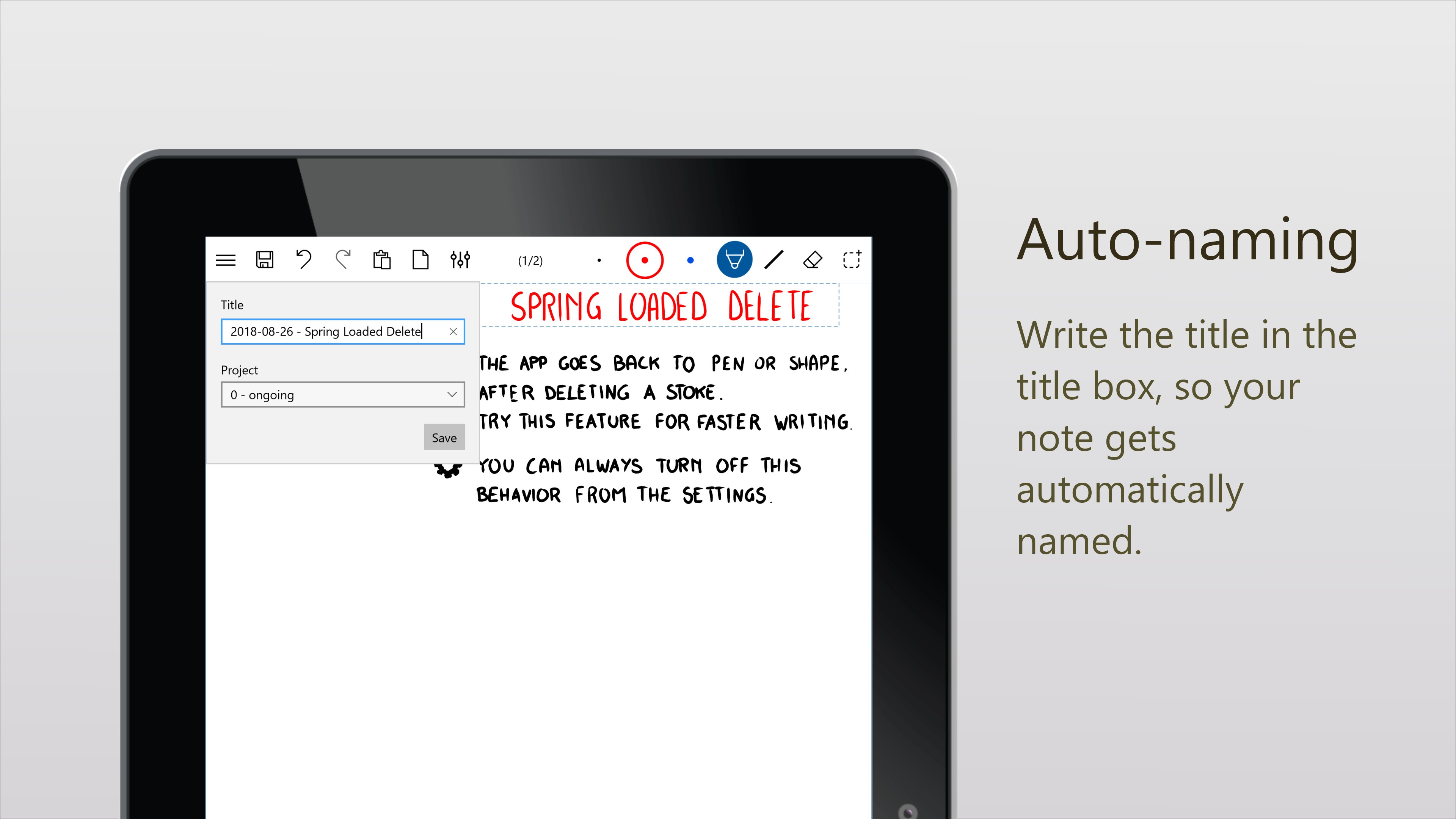
- Automated Document Naming: Simply write your title in the designated header area, and the app will automatically name your note file.
Who is This Digital Ink Tool For?
Whether you are a student mapping out complex lecture notes, a designer sketching initial wireframes, or a business professional brainstorming during meetings, the Scrble Lite freehand writing app provides a distraction-free workspace. By eliminating complex menus and focusing entirely on fluid pen input, developer Claudia Wey has created a highly accessible tool for daily productivity.
Upgrade Path to Scrble Ink
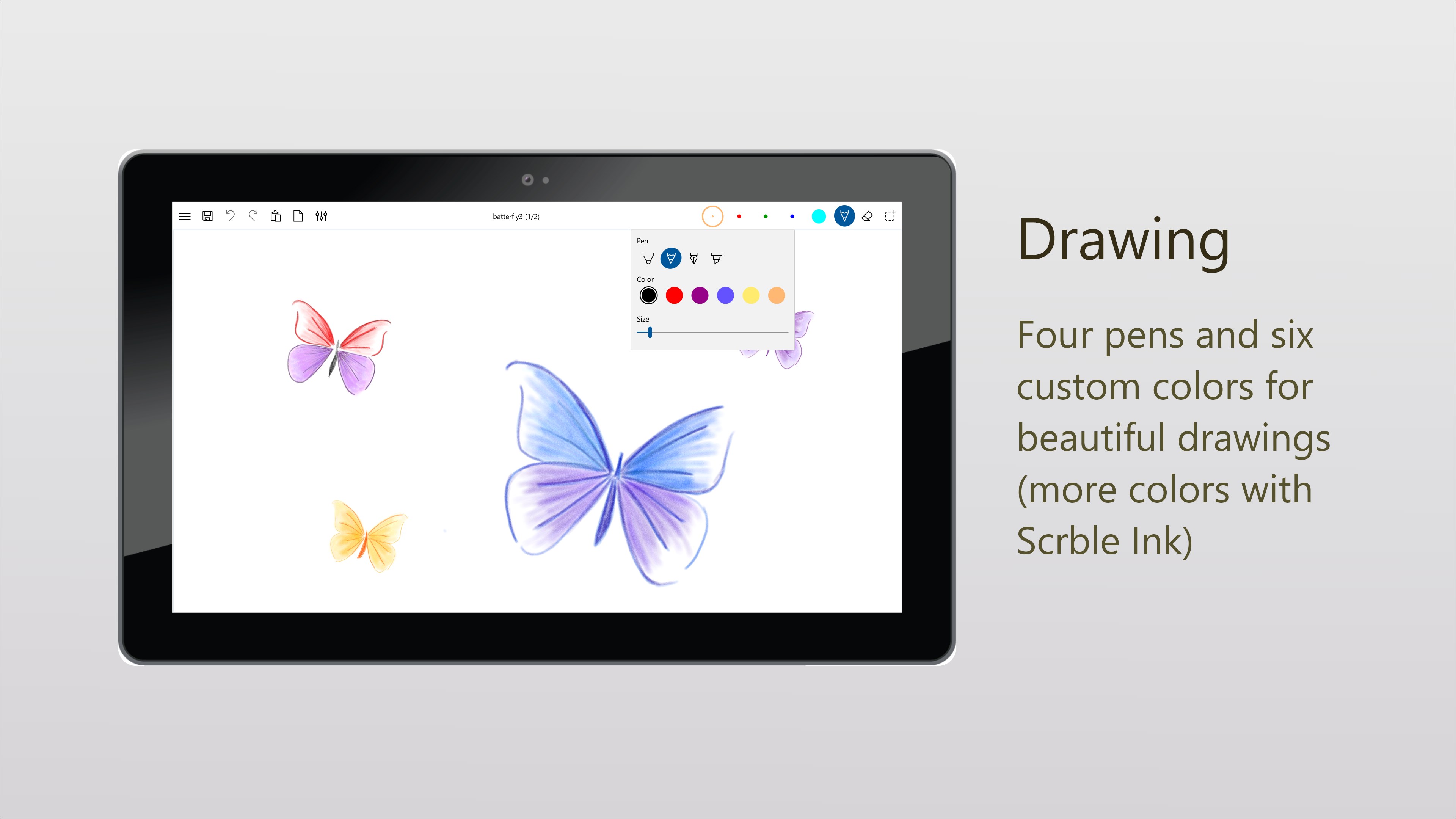
If you find yourself enjoying the responsive feel of this lightweight version and require advanced tools, the developer offers an upgraded version called Scrble Ink. The premium edition introduces custom paper styles, advanced shapes, custom color palettes, and robust PDF import/export capabilities to further streamline your digital workflow.
Our Verdict: A Must-Try for Stylus Owners
The Scrble Lite freehand writing app delivers on its promise of extremely simple, responsive, and fun freehand writing. It strip away the bloat of heavy office suites to give you a pure, uninterrupted writing environment on the Windows platform. To experience this fluid digital canvas for yourself, visit the official Microsoft Store to download the app and start writing naturally today.