Baby Puzzles
Discover how the Baby Puzzles learning game helps toddlers build cognitive skills, recognize shapes, and learn vocabulary through engaging digital play.
An Educational Playtime Experience with Baby Puzzles Learning Game
Finding quality digital tools that combine entertainment with genuine cognitive development can be a challenge for modern parents. The Baby Puzzles learning game by WP-Developer offers a practical, fuss-free solution designed specifically for the youngest minds. Built for Windows, this interactive application focuses on early childhood development by turning essential vocabulary and shape recognition into engaging drag-and-drop challenges.
Unlike many complex children's applications, this platform is stripped of convoluted menus and distracting options. It allows toddlers to jump straight into intuitive gameplay, minimizing frustration and promoting independent play.
Interactive Modes for Multi-Sensory Learning
The Baby Puzzles learning game is structured around three distinct play styles that target different cognitive milestones:
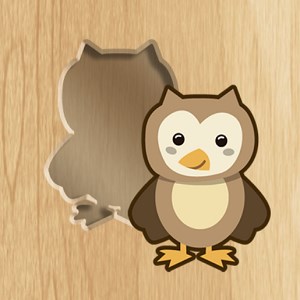
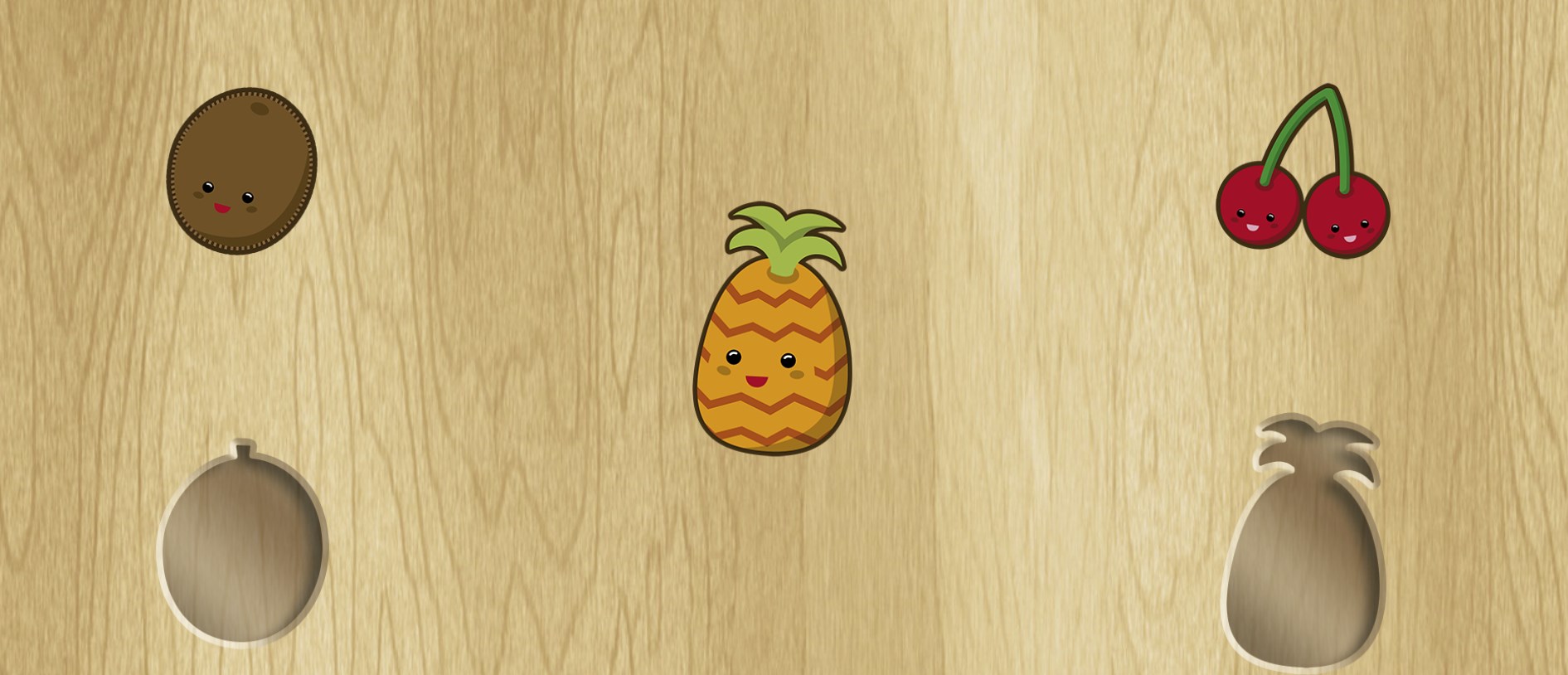
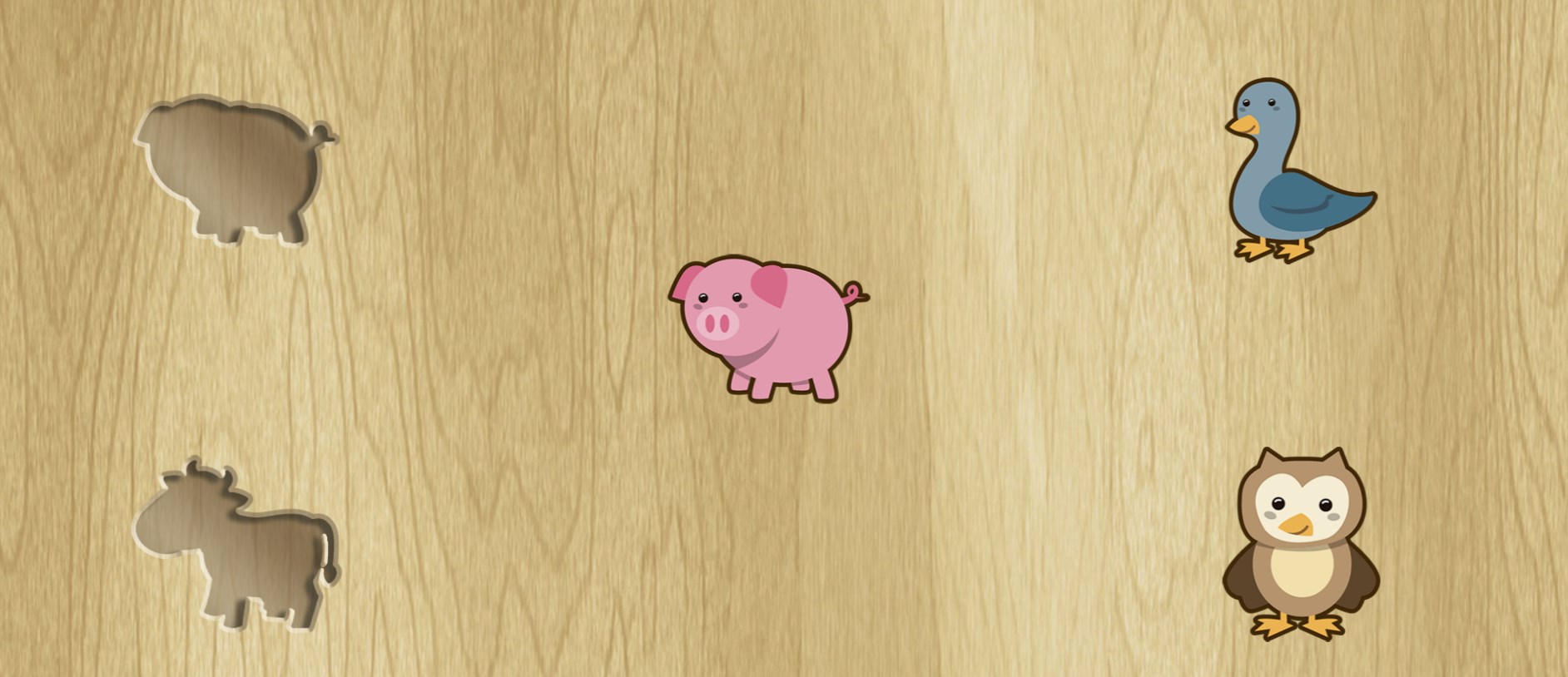
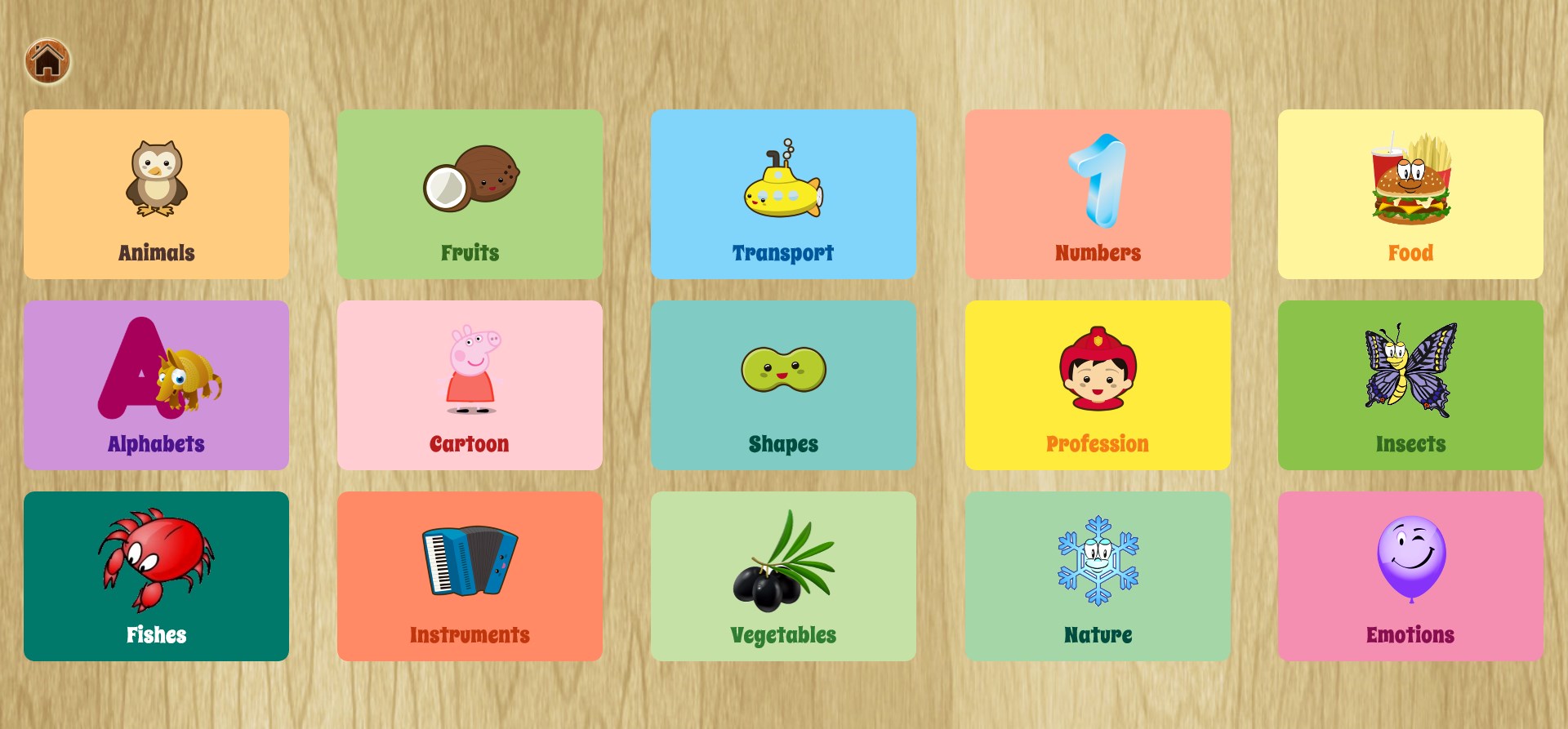
- Classic Drag & Drop: Children match colorful shapes and objects to their corresponding silhouettes. This mode covers a vast range of categories, including animals, fruits, vegetables, numbers (1 to 10), letters (A to Z), vehicles, and musical instruments.
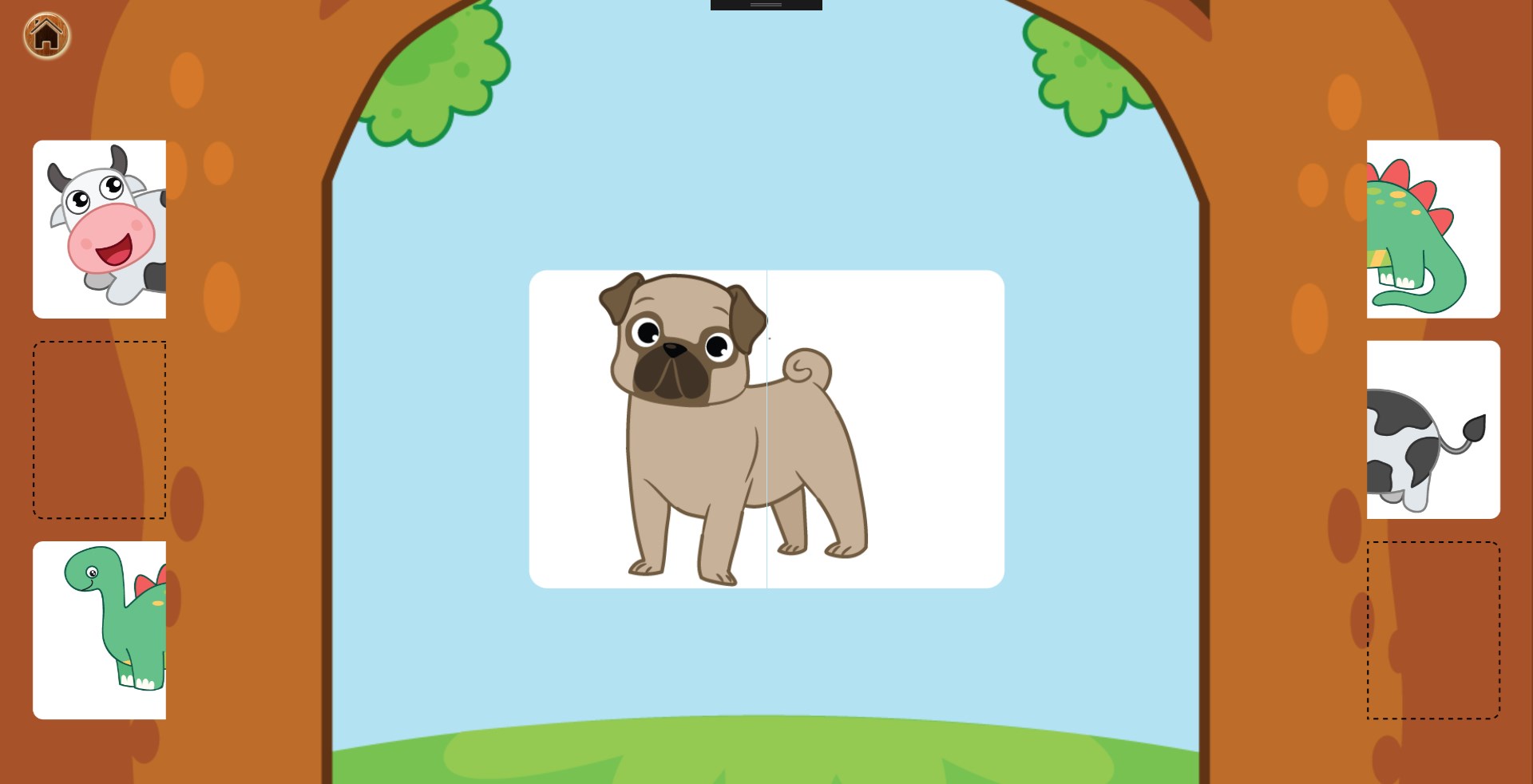
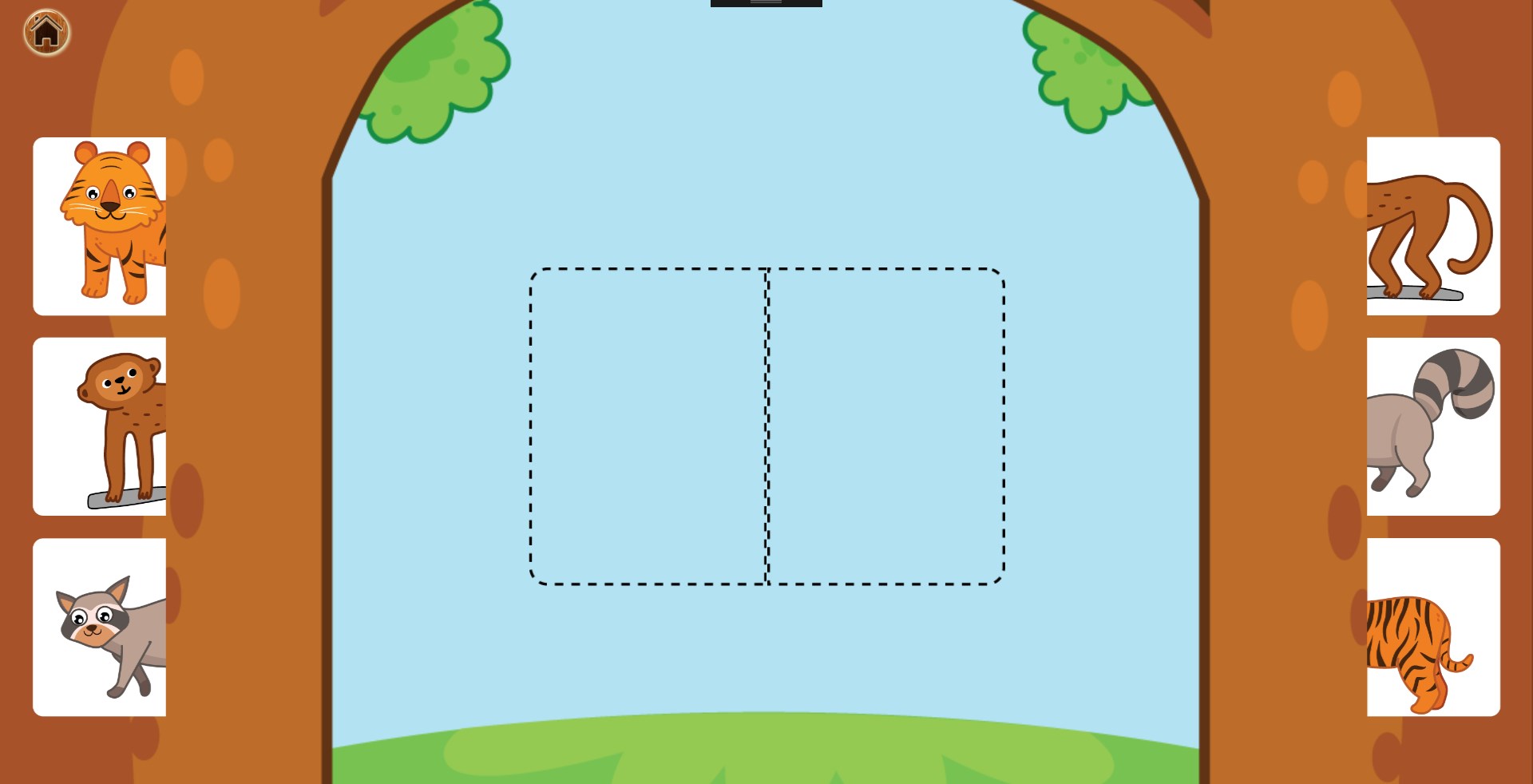
- Half and Half: A creative puzzle mode where toddlers must find and slide the matching halves of an image together, reinforcing spatial awareness and visual problem-solving.
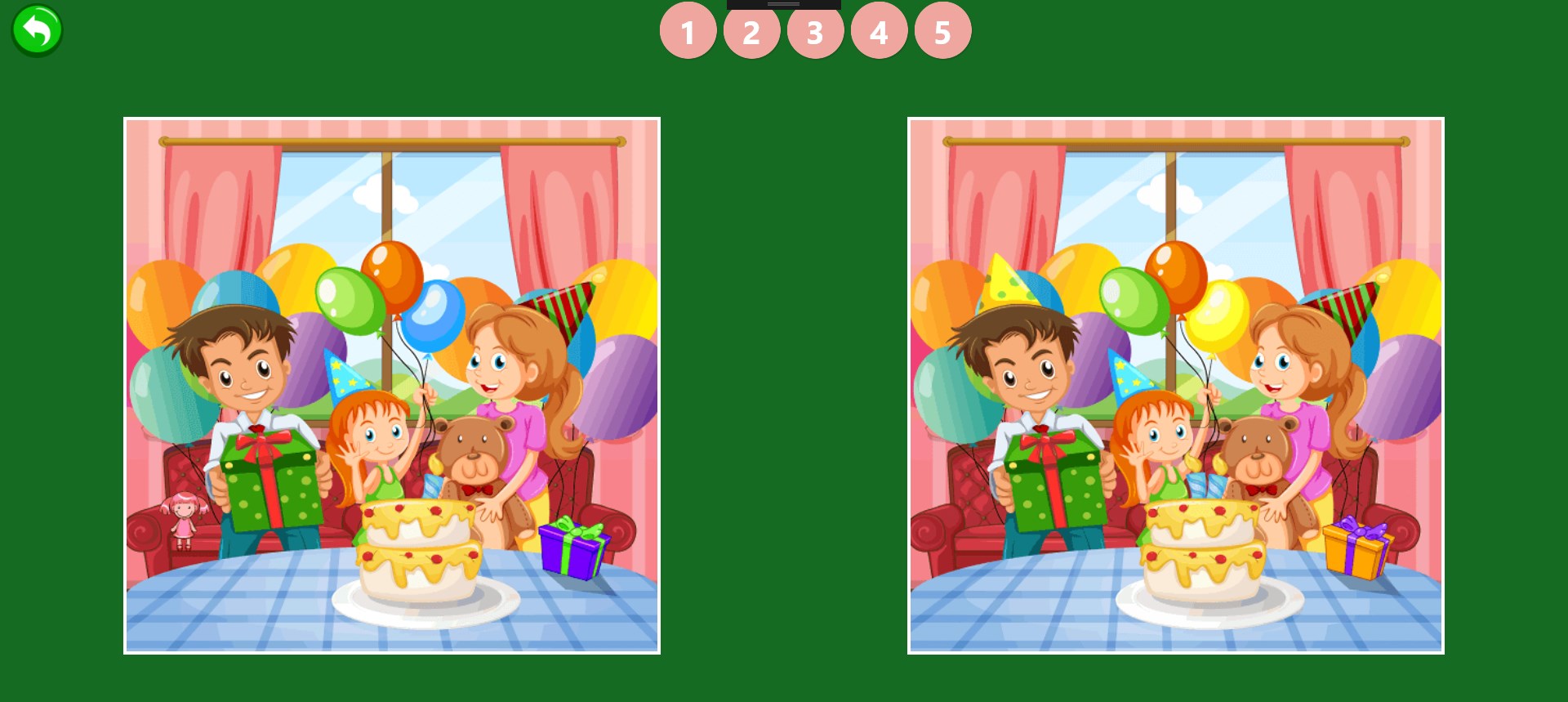
- Find Difference Adventure: A relaxing focus game that invites children to compare two closely matched illustrations to spot subtle variations, helping to build concentration and attention to detail.
Supporting Early Childhood Development
The visual design and mechanics of the Baby Puzzles learning game are tailored to stimulate right-brain activity. By interacting with dynamic objects and receiving immediate audio feedback, young users can enhance their visual observation skills, memory retention, hand-eye coordination, and overall response speed. The inclusion of cheerful sound effects keeps toddlers engaged while validating their successful matches.
A Safe, Distraction-Free Environment
One of the standout design choices of this Windows application is its simplicity. Without complicated settings or unnecessary navigation bars, toddlers cannot accidentally wander into external menus. It functions as a clean, self-contained digital educational board that parents can confidently introduce to their children's routine.
Is It Right for Your Child?
If you are looking for an accessible, ad-supported educational utility on Windows to help your child master basic vocabulary, shapes, and numbers, this application is a highly practical choice. To try it out with your little ones, visit the official Microsoft Store to explore the Baby Puzzles learning game today.