
Calls
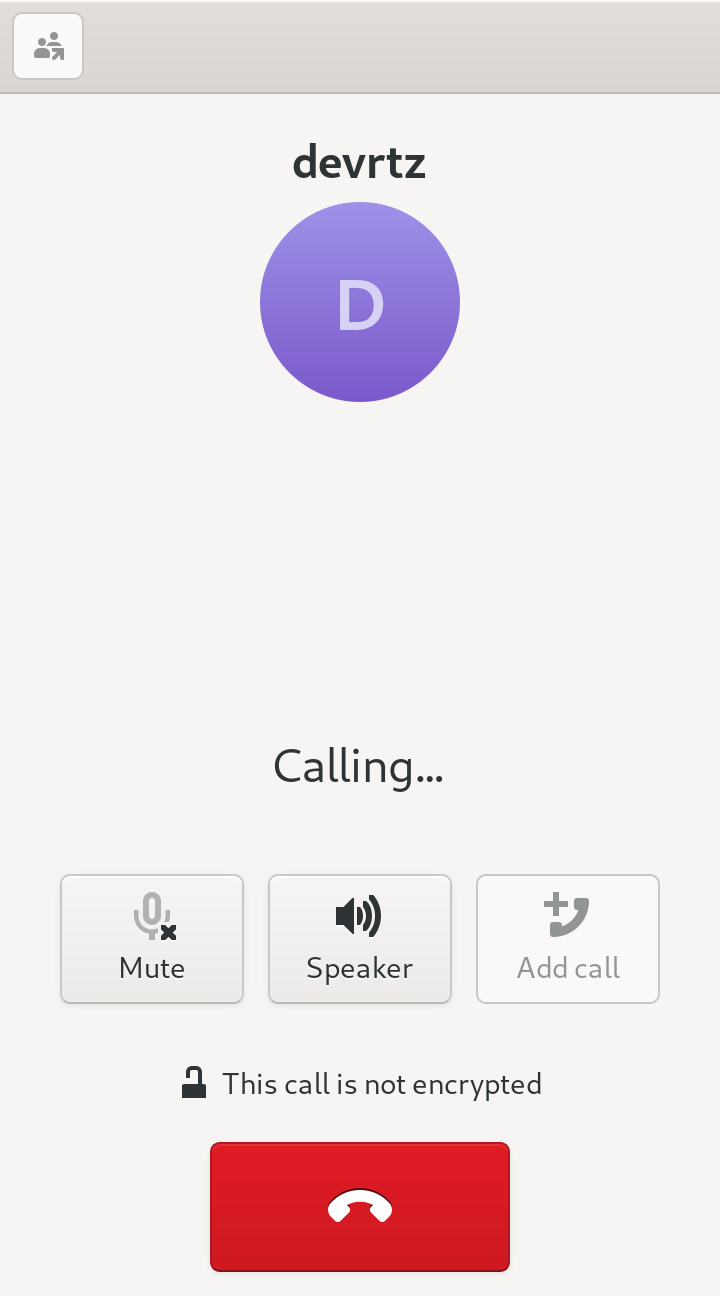
An in-depth review of Calls, the elegant Linux dialer for cellular and SIP VoIP calls. Discover how this GNOME utility streamlines your open-source communication.
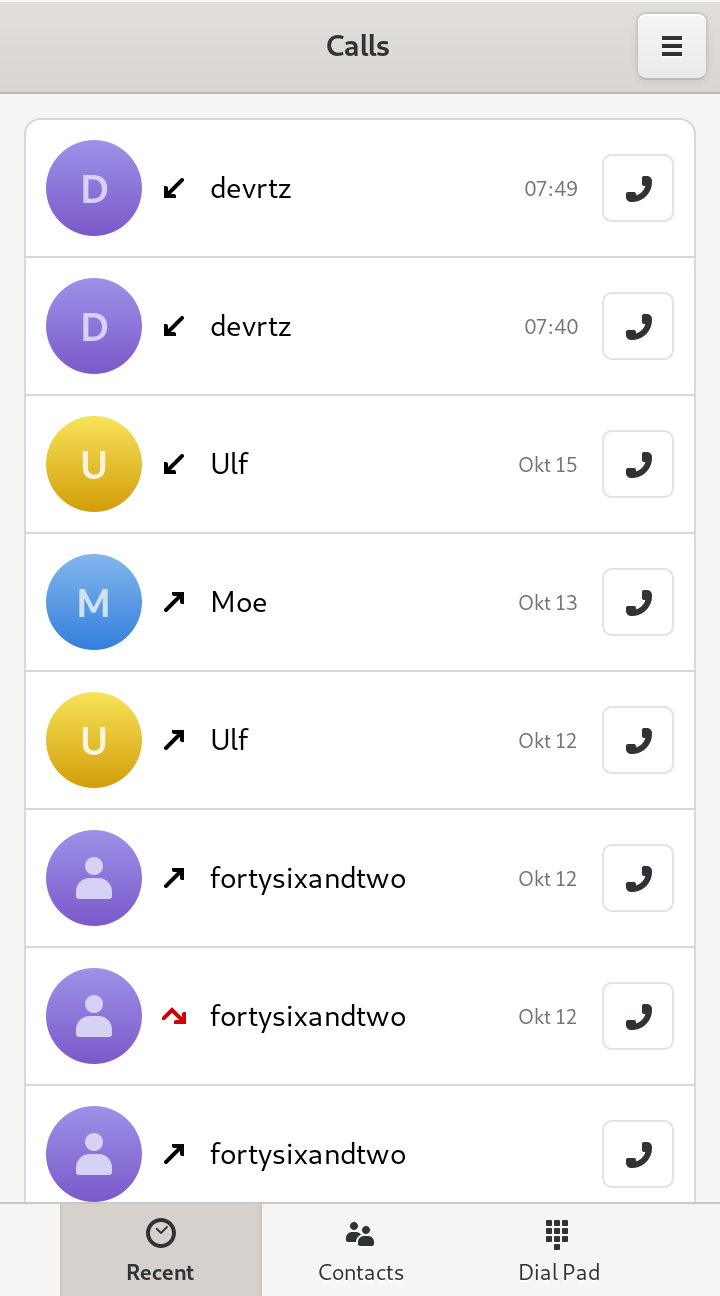
The single most useful thing about the Calls dialer app is its ability to seamlessly bridge traditional mobile telephony and modern VoIP services into a unified, distraction-free desktop interface. Developed by Julian Sparber and Evangelos Ribeiro Tzaras, this utility brings minimalist, reliable voice communication directly to the Linux desktop environment, eliminating the need to constantly reach for your physical smartphone.
What is the Calls Dialer App?
At its core, this software is a lightweight, elegant communication utility designed specifically for the GNOME desktop ecosystem. Operating on the Linux platform, it serves as both a standard phone dialer and an integrated call handler. Whether you are using a compatible cellular modem attached to your hardware or managing virtual accounts, it provides a consistent, native user interface that respects your system's design guidelines.
Key Features of the Linux Calls Dialer App
- Dual-Mode Connectivity: Seamlessly switch between routing standard analog calls via a cellular modem and initiating internet-based voice communications.
- SIP Protocol Support: Configures easily with Session Initiation Protocol (SIP) providers, allowing you to manage professional and personal VoIP lines directly from your computer.
- GNOME Integration: Built to look and feel like an organic part of your desktop, adhering to clean aesthetics and utilizing system-native notifications for incoming connections.
- Minimalist Interface: Focuses strictly on voice communication, avoiding cluttered menus and heavy resource usage to ensure rapid launch times and responsive dialing.
Who is This Communication Tool For?
This software is highly recommended for Linux enthusiasts, privacy-conscious professionals, and developers operating within the GNOME environment. If you frequently utilize SIP services for remote work or operate a Linux-based mobile device with cellular capabilities, the Calls dialer app provides the streamlined, keyboard-friendly calling interface you need without the overhead of proprietary alternatives.
An Elegant Desktop Experience
By focusing purely on voice transmission and reception, the developers have created a tool that does not suffer from feature bloat. It runs quietly in the background, ready to intercept incoming connections or dial out at a moment's notice. For users seeking to centralize their communication stack on open-source infrastructure, it represents a highly stable and visually cohesive solution.
How to Get Started
If you are ready to streamline your desktop calling workflow, you can explore the application further and find installation options on its official distribution page. To review the software or add it to your system, visit the official store page on Flathub today.