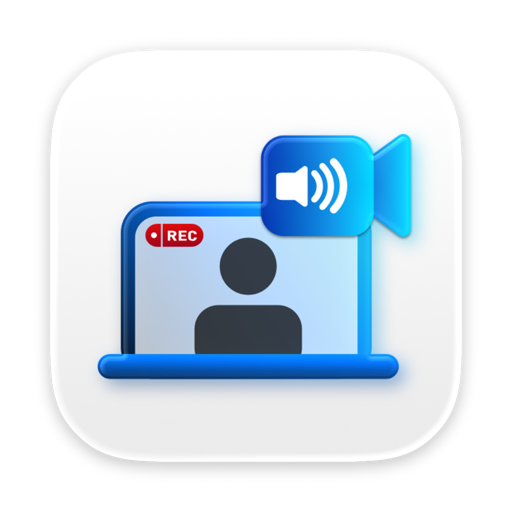
Jack: System Audio Recorder
Read our comprehensive review of Jack: System Audio Recorder for Mac. Discover how to record your screen, microphone, and system sound seamlessly.
The Ultimate Solution for Direct Mac Audio Capture
Capturing clean, internal audio on macOS has historically required complex workarounds, virtual cables, or third-party drivers. Jack: System Audio Recorder solves this persistent headache by offering a streamlined, plug-and-play solution for recording your desktop screen alongside pristine system audio. Developed by Denk Alexandru, this utility is designed specifically for professionals, educators, and creators who need to capture exactly what they hear on their speakers without any audio degradation.
Key Features of Jack: System Audio Recorder
Whether you are archiving an online presentation, saving a vital business call, or creating video tutorials, this software adapts to your specific workflow. Here are the core capabilities that make it a standout utility in the communication and productivity category:
- True System Audio Capture: Record the direct digital output of your system audio, not just the ambient sound leaking into your microphone.
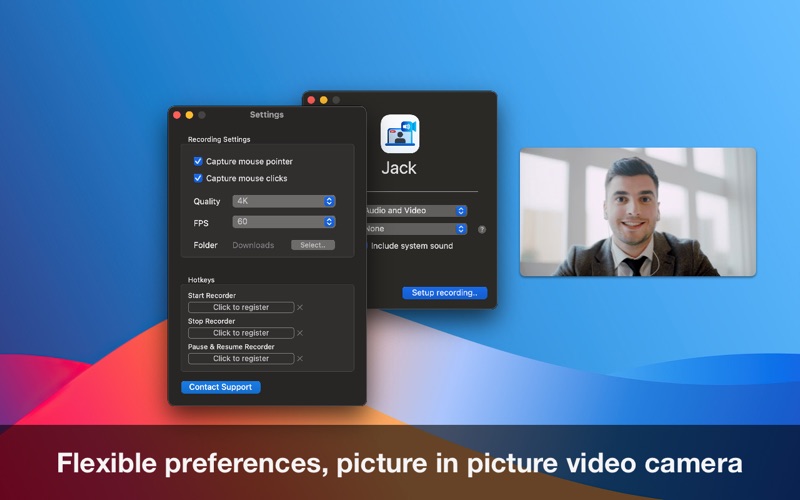
- Picture-in-Picture Video: Overlay your FaceTime or external camera feed directly onto your screen capture for a more personal touch.
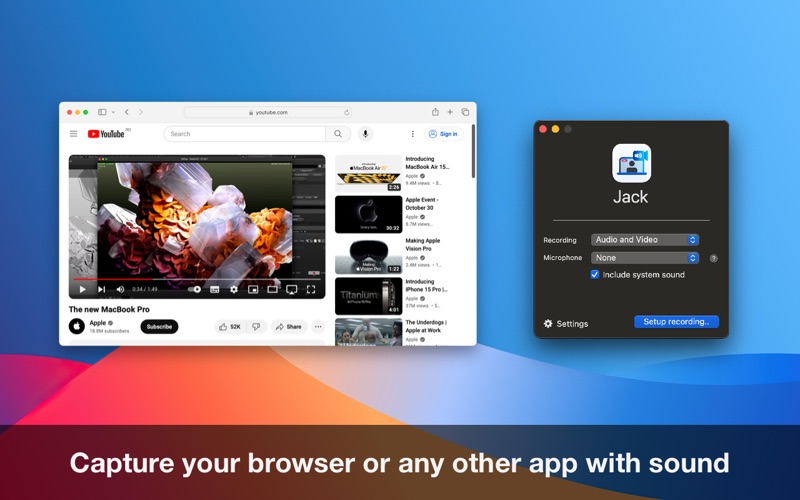
- Customizable Recording Areas: Instead of capturing your entire desktop, you can isolate specific application windows, web browsers, or media players.
- Granular Settings: Fine-tune your output with adjustable frame rates, video quality levels, and optional mouse click tracking.
- Zero Configuration Required: Skip the complicated setups. The application functions immediately upon launch, requiring no virtual audio driver configurations.
Who Is This Mac Utility For?
Jack: System Audio Recorder is highly versatile and serves several distinct use cases:
Educators and Students
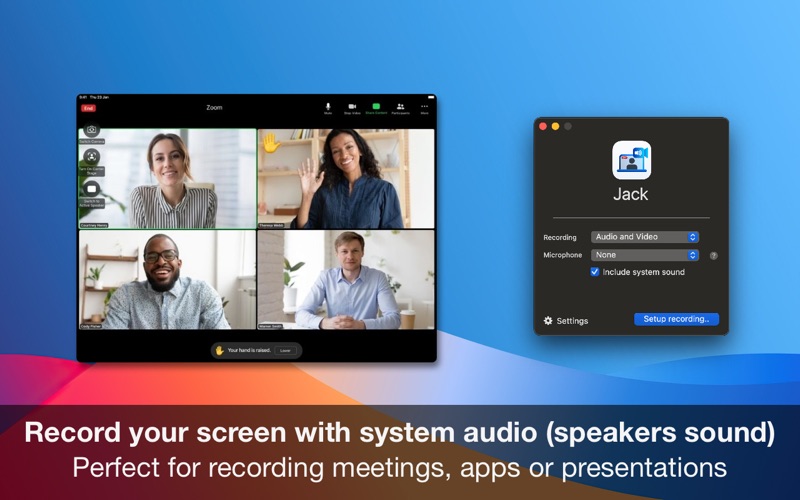
Perfect for recording online lectures, webinars, and virtual classroom interactions. You can choose to record only the presentation audio or include your own voice via the microphone to add real-time commentary.
Business Professionals
An essential tool for documenting remote meetings and collaborative sessions. By selecting both microphone and system audio inputs, you ensure that everyone on the call is heard clearly in the final recording.
Flexible Control and On-the-Fly Adjustments
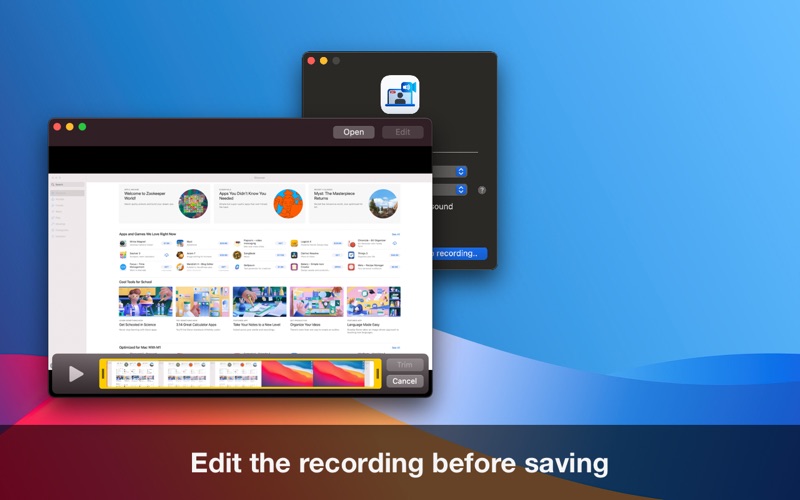
One of the major advantages of using this utility is its intuitive interface. Rather than overwhelming users with technical jargon, the app provides straightforward toggles. You can quickly choose to ignore your microphone when you only want to archive a streaming video, or enable it when you need to narrate a software walkthrough. Once your recording is complete, the built-in preview and basic editing tools allow you to check your work instantly before saving.
Getting Started
If you are looking for a reliable, hassle-free way to capture your screen and internal sound simultaneously on macOS, this utility is an excellent choice. To explore its features and choose the licensing option that best fits your workflow, head over to the official Mac App Store to download Jack: System Audio Recorder today.