
Syncthing Tray
Discover how Syncthing Tray optimizes your Linux file synchronization. Read our full review of Martchus's tray utility for seamless status monitoring.
Managing file synchronization on Linux shouldn't require keeping a browser tab permanently open. The Syncthing Tray system utility solves this exact problem by bringing real-time status monitoring, event notifications, and quick action controls directly to your desktop environment's system tray.
What is Syncthing Tray and How Does It Help?
Developed by Martchus, this lightweight application acts as a dedicated companion to the standard Syncthing service. Instead of manually loading the web interface to check if your files are secure and up to date, the Syncthing Tray system utility provides a persistent visual indicator of your overall synchronization status right on your panel.
Key Features for Streamlined File Syncing
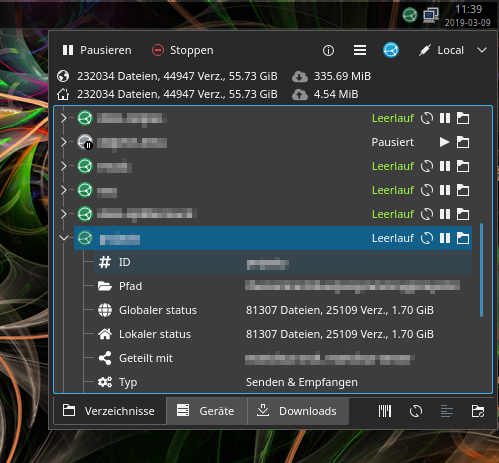
- Real-Time Status Indicator: The dynamic tray icon changes color and style to reflect whether Syncthing is idle, actively syncing, or encountering an error.
- Interactive Tray Menu: Access detailed transfer information and initiate common tasks—like forcing a folder rescan—with a simple right-click.
- Instant Desktop Notifications: Stay informed with native system alerts for critical events, such as newly connected devices or sync completion.
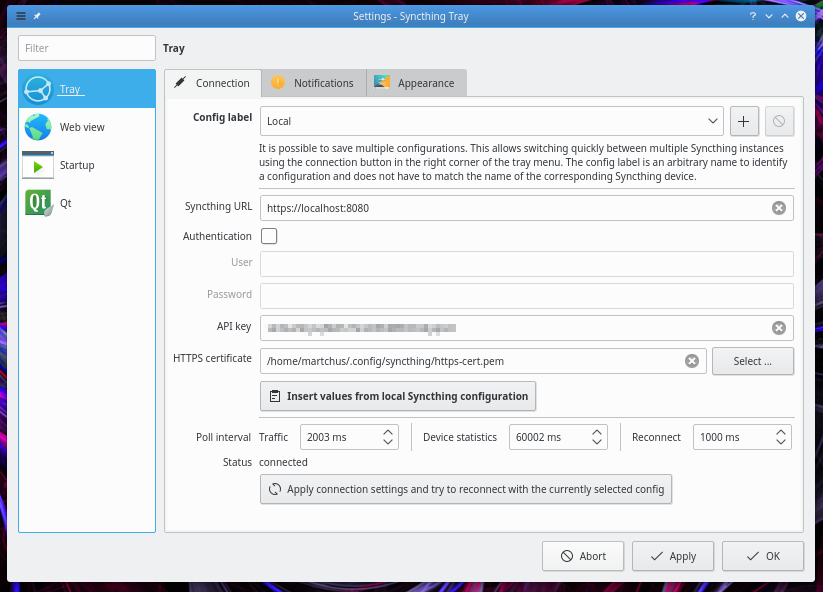
- Systemd Integration: Start, stop, and manage the underlying Syncthing daemon seamlessly alongside your system launcher.
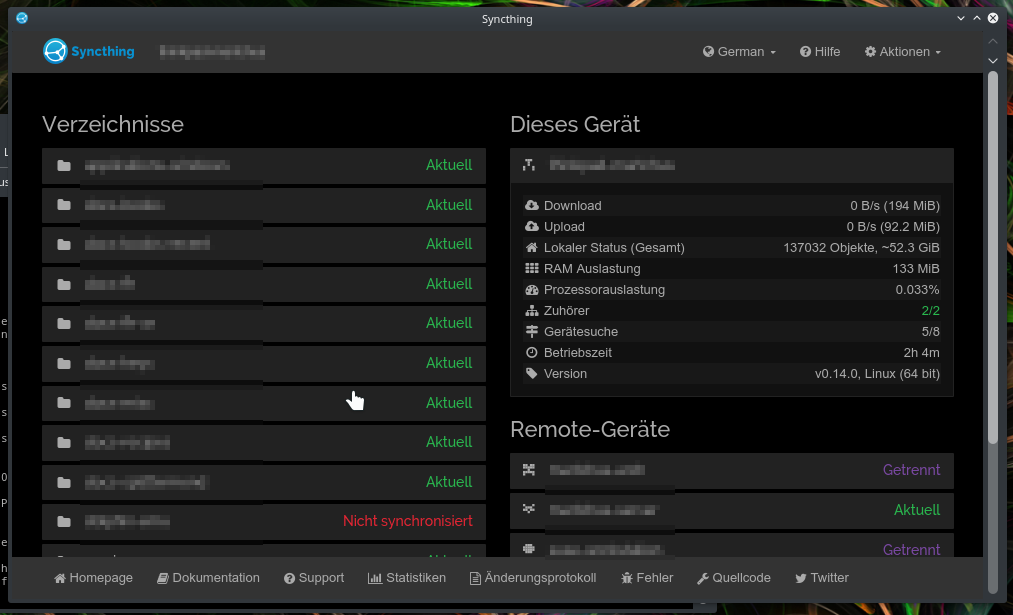
- Quick Web UI Access: When you need to adjust complex settings, a single click from the tray launches the standard web administration page instantly.
Who Is This Linux Tool For?
If you rely on Syncthing for secure, decentralized data backup across multiple devices, this utility is a must-have addition to your Linux workflow. It bridges the gap between a background CLI daemon and a fully integrated desktop application, making it ideal for power users who demand immediate visibility into their data transfers without desktop clutter.
Compatibility and Desktop Integration
This release is designed to be independent of any specific desktop environment, ensuring broad compatibility across various Linux distributions. Please note that while specific integrations like KDE Plasmoids exist, they are typically packaged separately by individual distributions rather than bundled in universal flatpacks due to sandbox limitations.
Our Verdict
The Syncthing Tray system utility is an invaluable quality-of-life upgrade for anyone utilizing Syncthing on Linux. It removes the friction of monitoring background sync jobs and gives you peace of mind that your files are safely mirrored across your network. To integrate this utility into your setup, visit the official Flathub store page to learn more and get started.