

Linux QQ
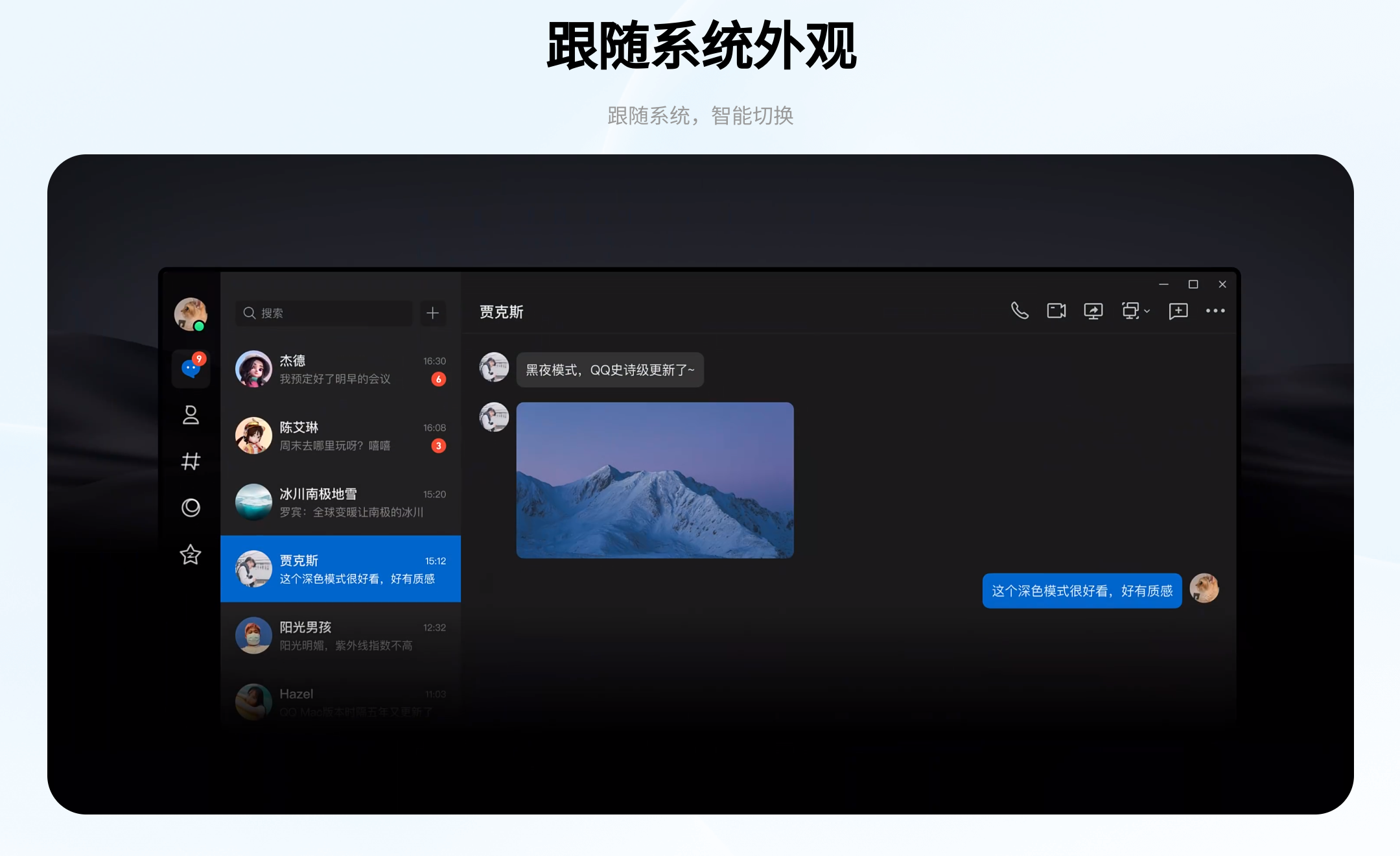
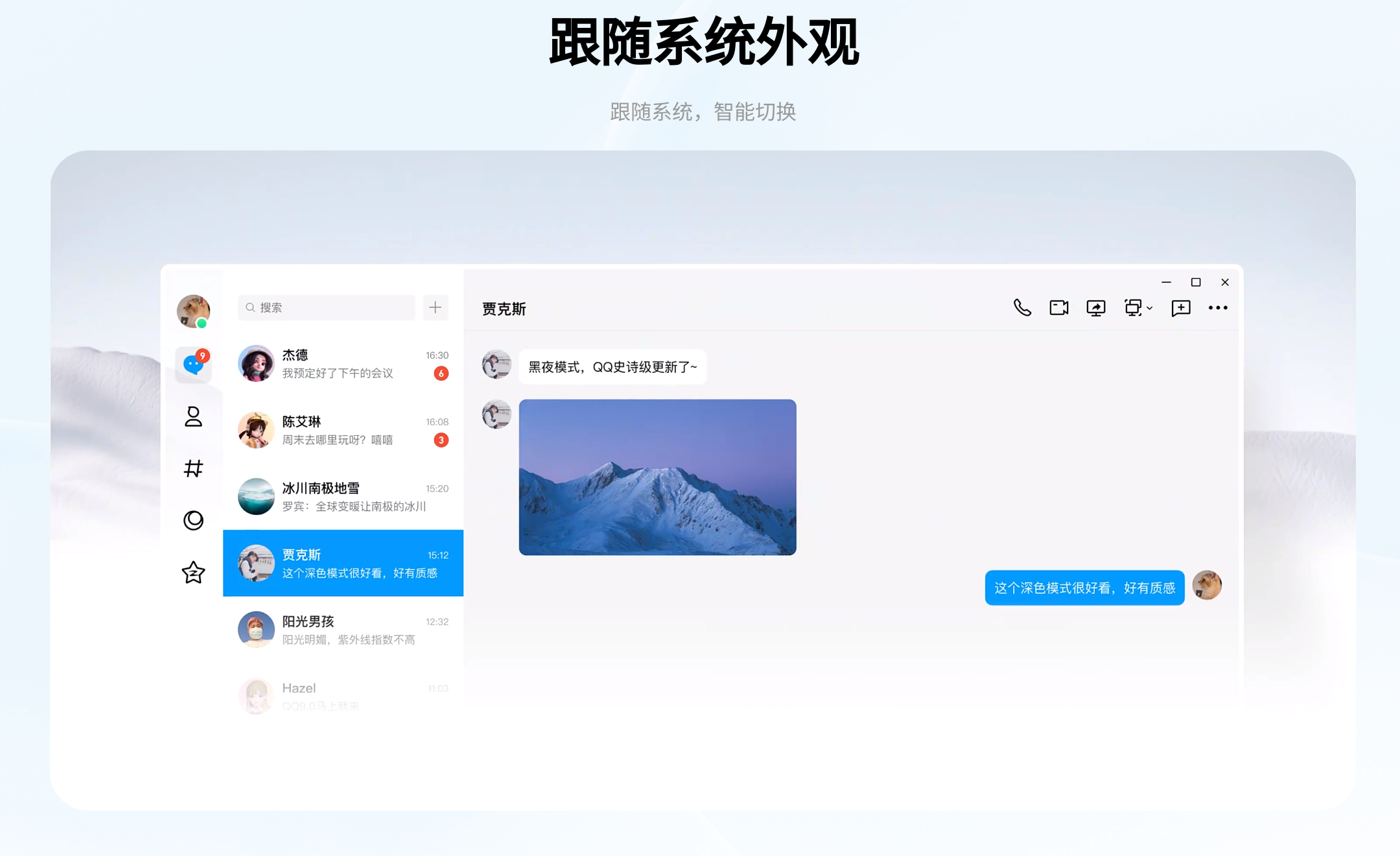
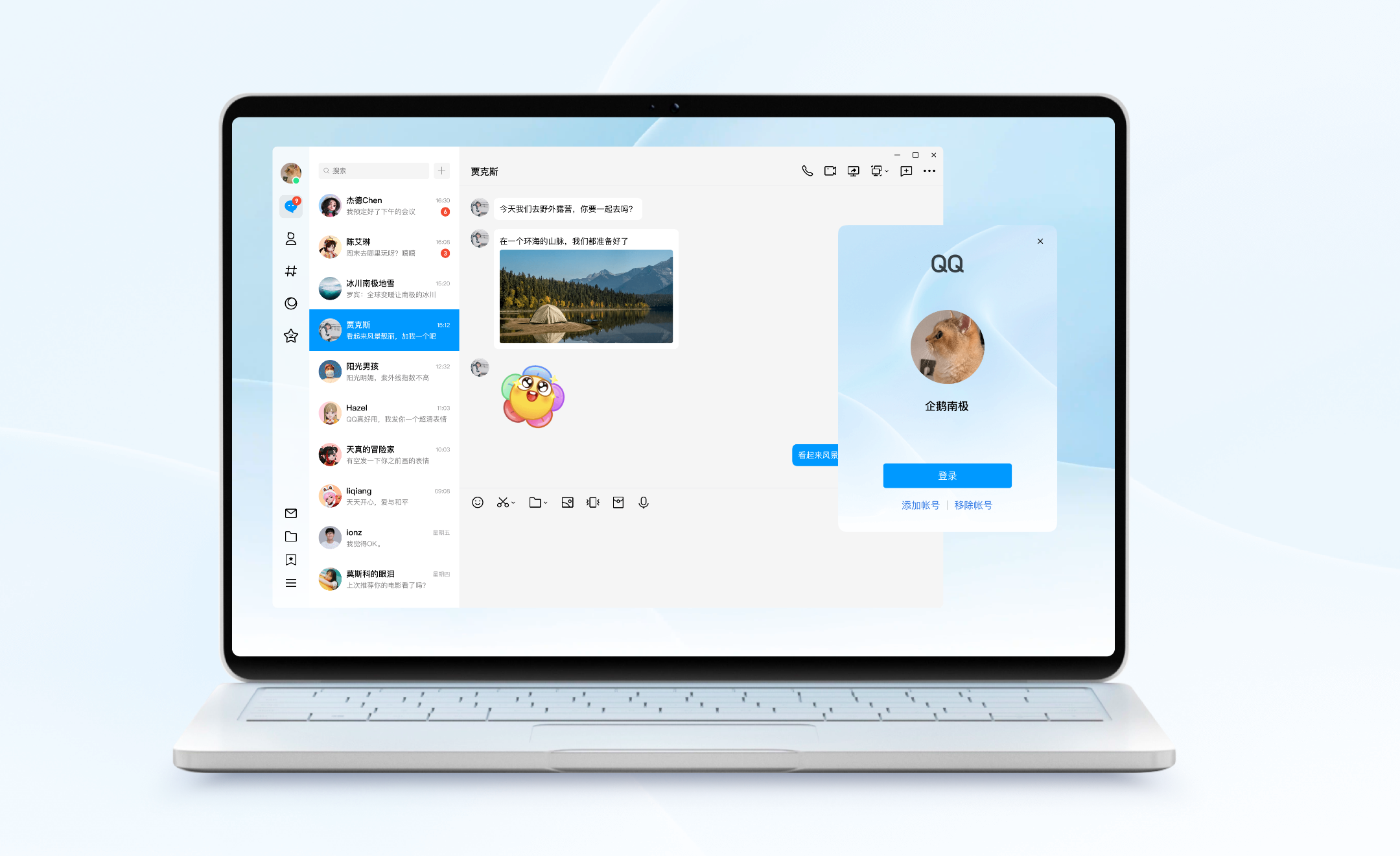
Discover Linux QQ, the official Linux client for Tencent's massive instant messaging network. Read our full review of its features and performance.
Linux QQ instant messaging brings one of the world's most widely used communication platforms directly to open-source operating systems. While many Western users rely on alternative chat protocols, anyone coordinating with teams, clients, or social circles in China knows that access to Tencent's ecosystem is absolutely essential. This dedicated Linux client bridges the gap, offering native desktop integration without the need for complex compatibility layers.
A Native Instant Messaging Experience on Linux
For years, running Tencent's flagship chat service on Linux-based systems required unstable workovers or web-based interfaces that lacked deep system integration. The modern Linux QQ instant messaging application changes this by providing a reliable, streamlined desktop experience tailored specifically for the platform. It ensures that users can maintain consistent communication pipelines without leaving their preferred desktop environment.
Key Features of the Linux Client
- Seamless Desktop Integration: Enjoy native system notifications, window management, and launch options tailored for modern Linux desktop environments.
- Direct Rich Media Sharing: Send files, images, and documents directly through the chat interface without compatibility issues.
- Clean User Interface: A modern, localized layout designed to keep conversations organized and highly readable.
Who Is This Client For?
This software is primarily designed for developers, international business professionals, and bilingual users who rely on the Linux operating system but must remain connected to the vast QQ network. Whether you are managing cross-border projects or staying in touch with family, having a stable, native client ensures you never miss an important update.
Note: This specific package is an community-preserved wrapper distribution designed to simplify installation across various distributions, and is not directly endorsed or supported by Tencent.
Getting Started
If you need reliable access to your chats on an open-source desktop, the Linux QQ instant messaging client is the most efficient way to stay connected. To explore the application and add it to your system, visit the official hosting page on Flathub today.